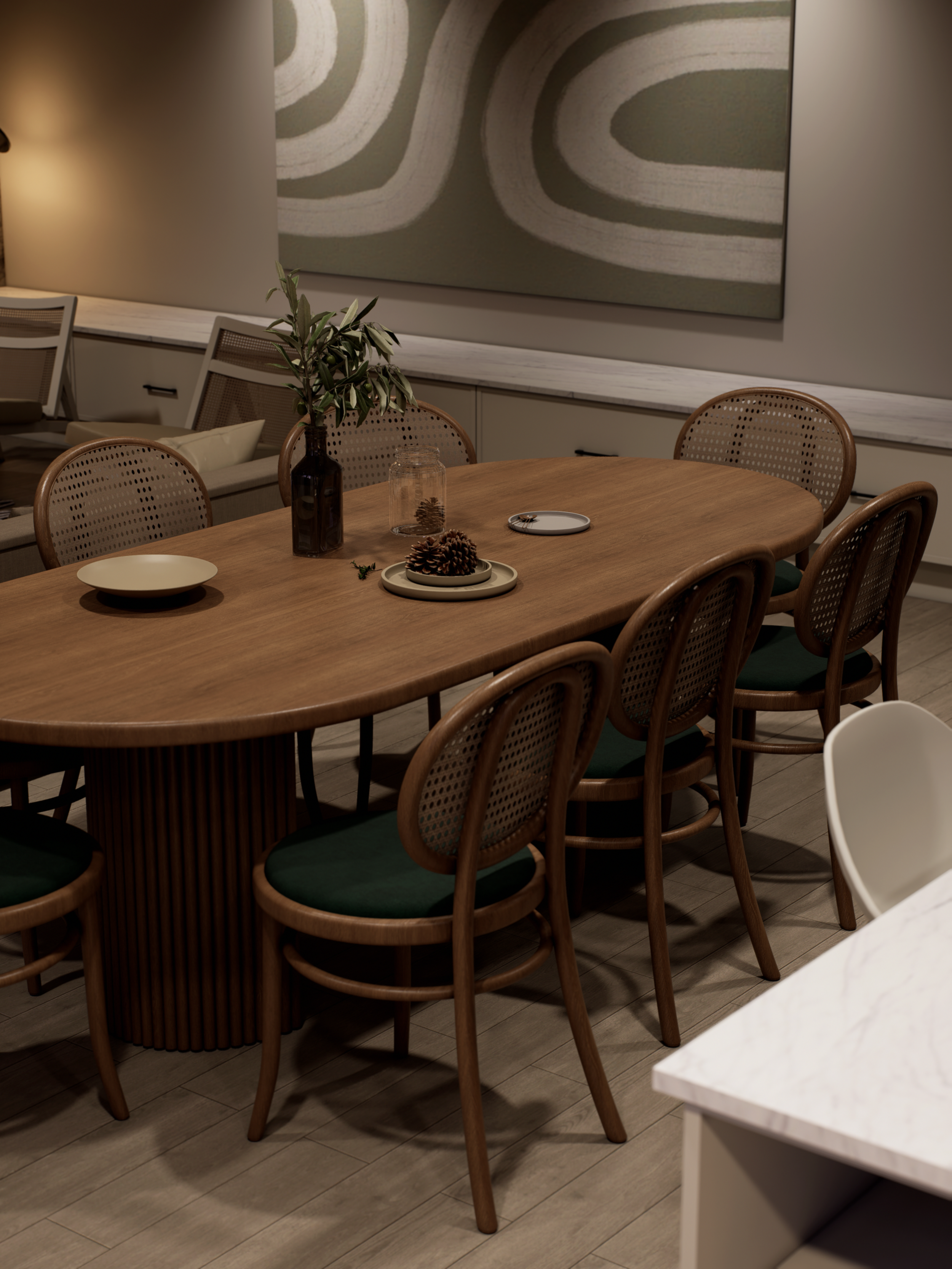
A clear studio system for reliable visualisation delivery
Premium visualisation is not only about image quality. It also depends on a clear process, controlled revisions, and dependable communication. This page outlines how Sinan Designs works with studios to keep projects moving smoothly from brief to final delivery.
Strategic Render Brief
Most revision loops aren’t a render problem. They’re a brief problem. This 5-minute framework aligns intent, tone, and priorities before production begins.
When to use this
Before the first draft render
Before a pitch or client presentation
When feedback keeps drifting and “tiny tweaks” turn into weeks
What it prevents
Moving targets and conflicting stakeholder opinions
“Can we just adjust…” loops
Rework caused by unclear priorities
What’s inside the PDF
Intent, what decision this visual is helping
Tone, mood, and the emotional target
Priorities and non-negotiables (what must be perfect)
Shot sequence guidance (purpose per frame)
Review structure that keeps feedback clean
The premium rule
If you do not define the goal, the image cannot carry the right narrative weight, and revisions become inevitable.
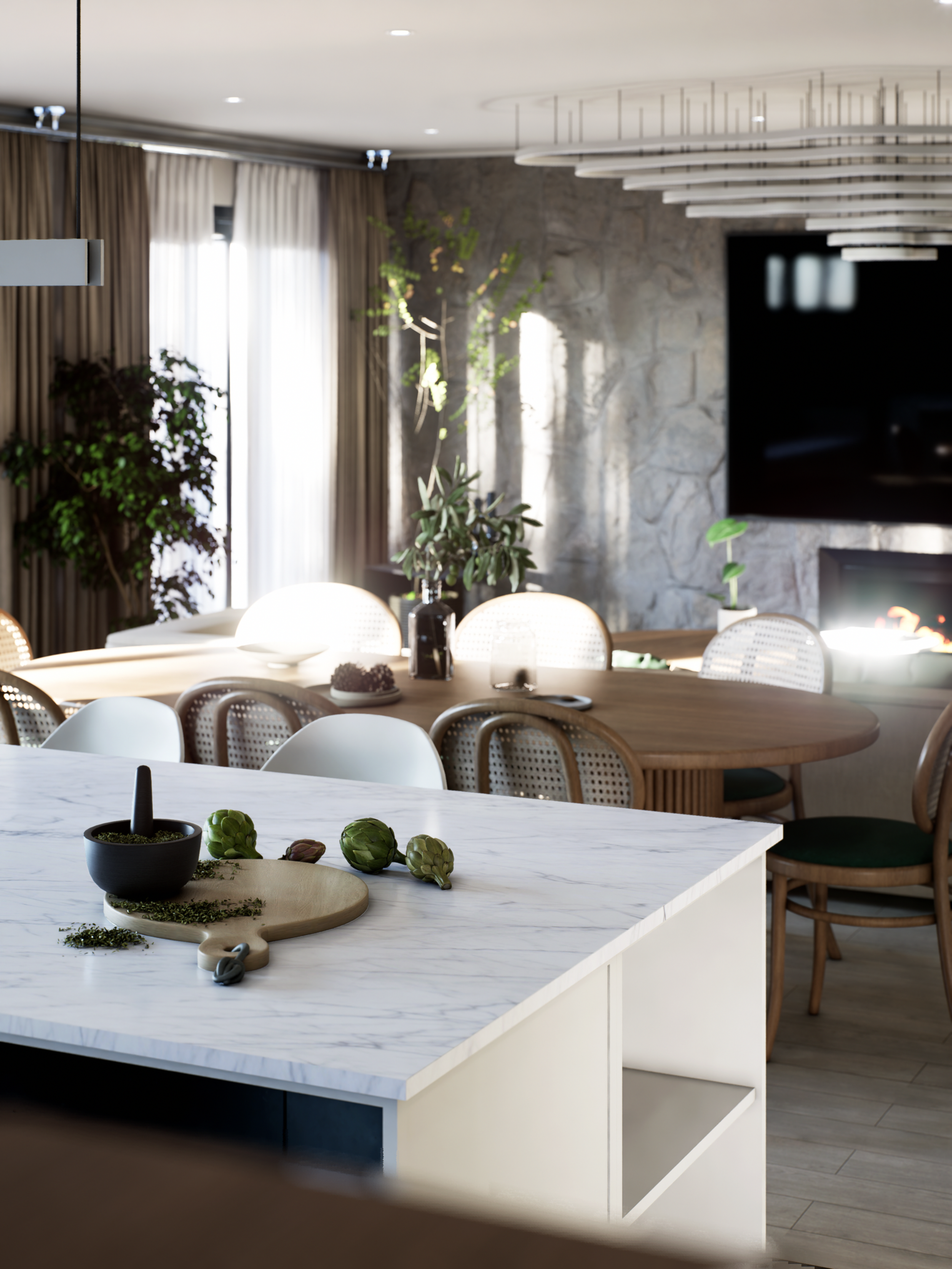
Render Setup Checklist
Most “quality issues” aren’t talent issues. They’re setup issues. This checklist standardises scene prep, lighting and camera foundations, colour control, and delivery so your renders stay consistent, even when you’re busy
When to use this
Before building the scene in detail (set the technical foundation)
Before final lighting and camera decisions (lock intent and consistency)
Before final render output (confirm colour, exposure, and style control)
Before delivery (formats, naming, version control, clean handover)
What it prevents
Flat or inconsistent renders caused by uncontrolled lighting and camera choices
Time-wasting re-renders from messy geometry, incorrect scale, or unreliable materials
Colour and exposure mismatch across an image set (the fastest way to look non-premium)
Delivery confusion, wrong file versions, missing outputs, unclear feedback loops
What’s inside the PDF
Technical foundation checks (scale, geometry, PBR materials, clean scene)
Visual strategy checks (camera purpose, lighting mode, hero element, composition)
Colour and post-production control (exposure consistency, LUT discipline, style continuity)
Final delivery preparation (naming, formats, versioning, feedback method, handover steps)
The premium rule
A beautiful image without a purpose creates noise.
Noise creates revisions.

Visual Storytelling System
Renders aren’t “just realistic”. They’re engineered to create clarity, emotion, and design authority before the space exists. This system structures every image as a purpose-built story, so approvals move faster and revisions stay contained.
When to use this
Before building a shot list, to define what each frame must achieve
Before client presentations, pitches, pre-sales decks, and portfolio sets
When your image sets look beautiful, but decisions still drag
Any time “one more angle” keeps appearing as feedback
What it prevents
Undefined shot purpose that leads to noise instead of clarity
Default camera angles that remove intention and make every room feel the same
Identical lighting across every render that kills narrative and premium feel
Trying to “show everything”, which overwhelms the viewer and multiplies revisions
What’s inside the PDF
The 3 core visual story modes, Hero, Detail, Function, and when to use each
Camera strategy for each mode (wide cinematic, macro detail, overhead functional)
Lighting strategy for each mode (mood-driven vs controlled vs neutral clarity)
Premium brief alignment examples, intent, lighting, mood, angle, deliverables
Common pitfalls and the premium studio solutions that prevent them
The premium rule
Every frame must have one declared purpose: Hero, Detail, or Function.
If it doesn’t fit one of the three, question whether it’s needed. Strong images don’t show more, they show with intention.
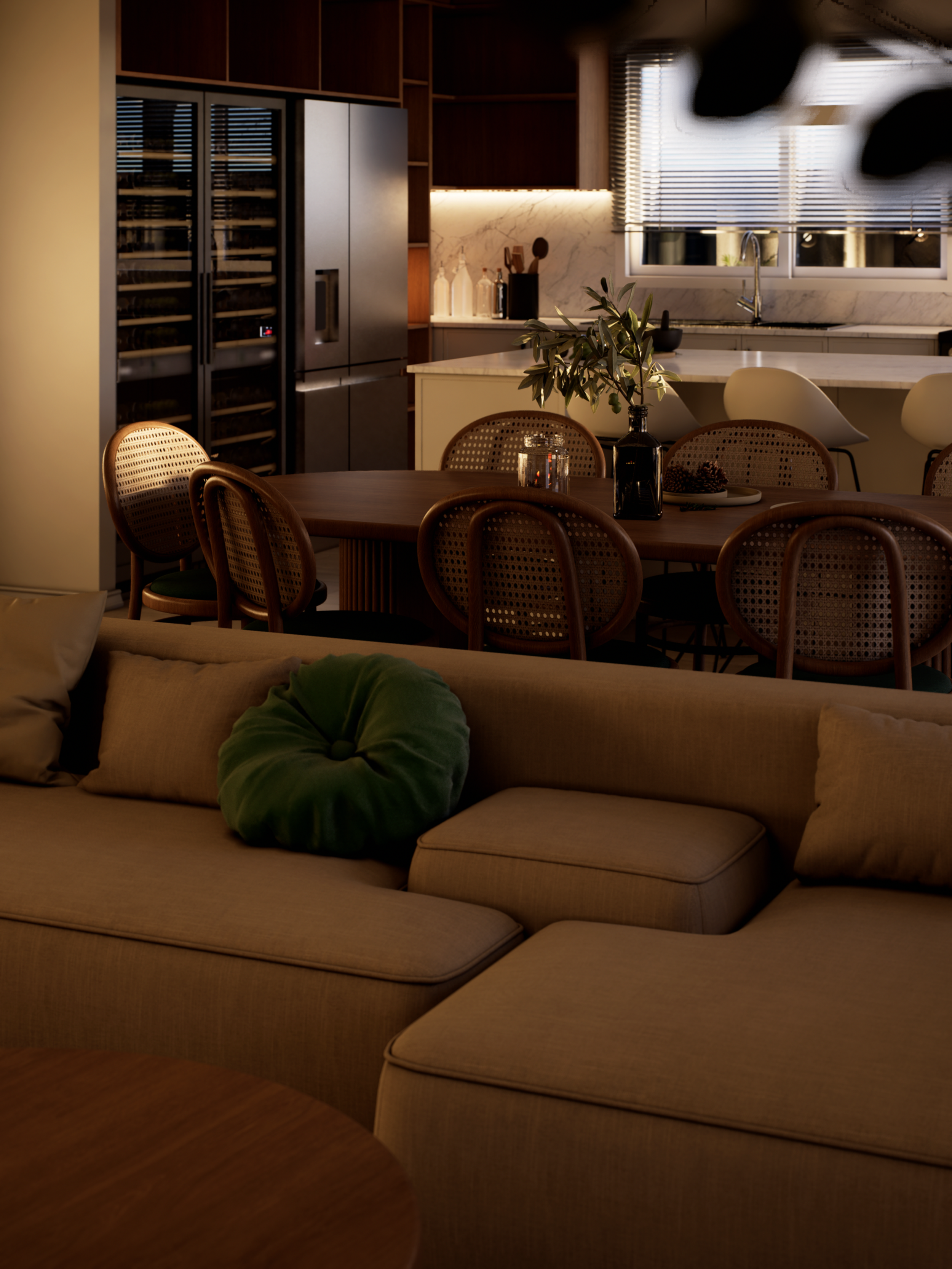
Archviz Lighting Framework
Most renders fail not because of modelling or render engines; they fail because lighting was never given a brief. This framework gives your studio a shared language for choosing lighting deliberately, so every image persuades, sells, and tells the architectural story before the building exists.
When to use this
At project kick-off, before the first lighting setup is built
During internal reviews, to defend lighting choices with a shared language
Before client presentations, to align expectations around time-of-day and mood
Any time renders feel “flat”, “fake”, or “cold”, and you need a purposeful reset
What it prevents
Default HDRI, default sun position, default exposure, renders that feel forgettable
Wrong time-of-day selection (mood fighting the brief)
Over-brightening that destroys shadow depth and realism
Lighting inconsistency across a set that quietly erodes trust
What’s inside the PDF
Why lighting matters: narrative control, material behaviour, and visual hierarchy
The four strategic lighting modes and when to use each:
Daylight (honest clarity and trust)
Dusk / Golden Hour (emotion and lifestyle persuasion)
Night / Ambient (atmosphere and premium intimacy)
Studio HDRI / Controlled (material accuracy and unbiased proof)
Technical setup notes + common pitfalls for each mode
Common lighting mistakes + premium pro tips you can apply to every project
The premium rule
Lighting is narrative control, not a technical setting.
Before you touch a light source, decide what the viewer should feel and what they should notice first. Then build the setup to serve that purpose.
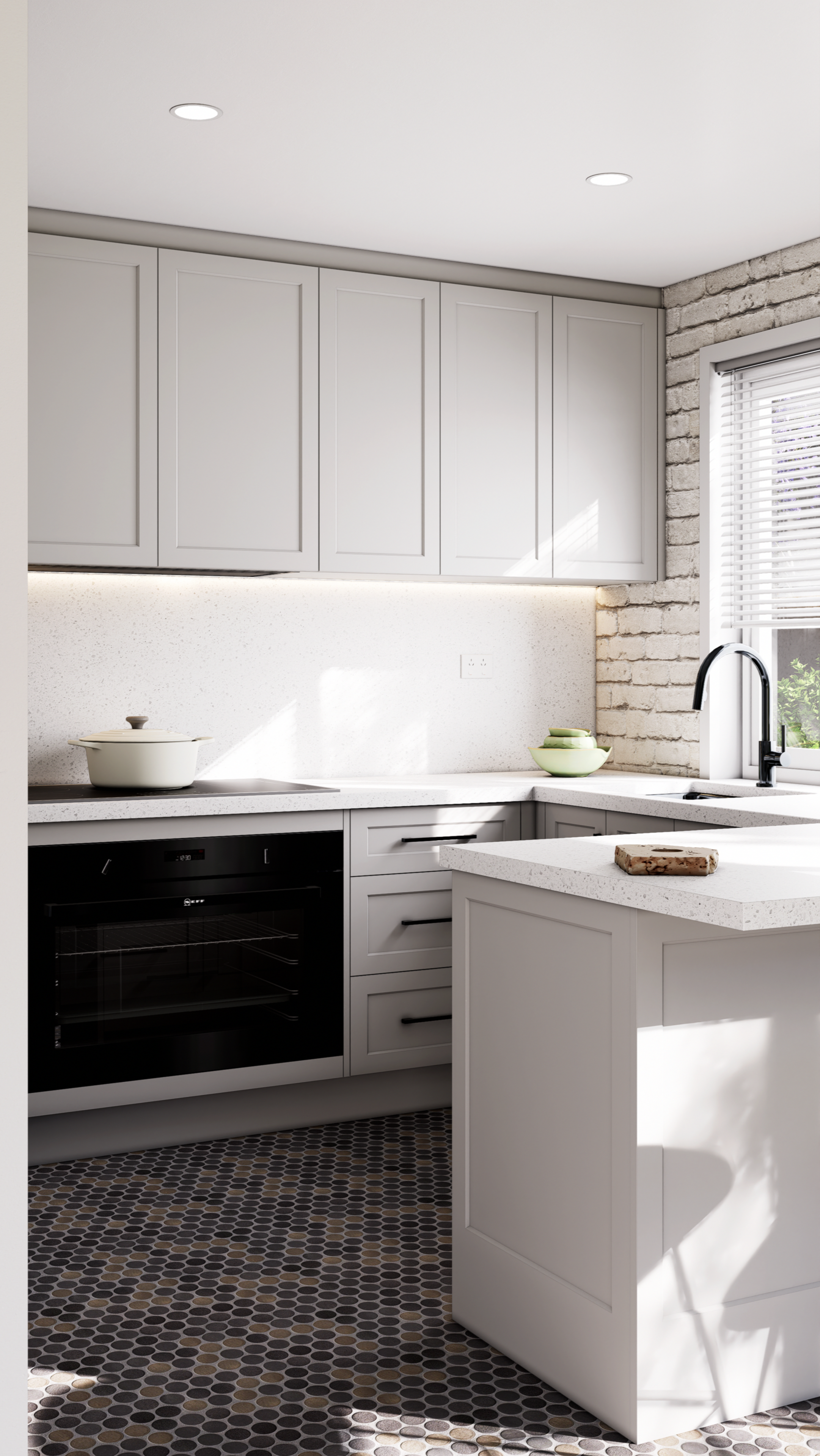
Visual Strategy Playbook
Most renders decorate; they fill the brief but persuade nobody. This playbook is a studio-level framework for producing images that do something specific: persuade, convince, or clarify. If you cannot define what an image is supposed to make the viewer do before you start, the render has already failed.
When to use this
Before writing a shot list, to assign purpose to every frame (Hero, Detail, Function)
Before pitch decks and client presentations, to build a sequence that sells and secures approval
When your sets look good but don’t convert, approve, or persuade
Any time a render is being judged on “taste” instead of strategic outcome
What it prevents
Random angles and undefined render purpose, which creates noise and revision loops
One-size-fits-all lighting that flattens mood and weakens positioning
Trying to make one image do three jobs, which results in approval friction
Clutter that crushes sophistication and dilutes the architectural message
What’s inside the PDF
The strategic intent behind every render type, Hero persuades, Detail convinces, Function clarifies
A “three render types at a glance” table with goal, camera logic, lighting logic, and best use cases
Detailed guidance for each render type:
Hero Render, camera discipline + emotional lighting strategy
Detail Render, macro realism + controlled highlights for material trust
Function Render, overhead/isometric clarity for approvals and technical stakeholders
The Premium Render Brief client input framework (goal, lighting, mood, angle, deliverables)
The five strategic principles of premium visual output (intent first, restraint, one job per render type)
The premium rule
Strategy first. Execution second. Always.
Before any render begins, declare the image’s job: persuade, convince, or clarify. Camera and lighting follow from intent, not preference.